
Windows and Mac help for everyday people
This is a library of plain-English how-tos for the computer questions you can't quite phrase into a search box — the strange ones, the old hardware nobody else writes for, and the fix everyone recommends that doesn't work for you. I'm Game Osborne, and I've been fixing other people's computers since 2006; these are the answers I'd give you if you called. Every term gets defined the first time it shows up, one action per step, and an honest warning before anything risky. Pick a guide, get the win, and go stick your chest out a little.
Browse the library
Windows Help
Fix what's broken, speed up a slow PC, and take back the privacy settings Windows keeps turning on.
macOS Help
Repairs, speed-ups, and the hidden Mac tricks that make you look like you've done this before.
Archive
Windows 7, Windows XP, and older Macs — still yours, still useful, still worth keeping safe.
Latest Windows help
Printer Works From Your Phone but Not Your Windows PC
If your phone can print but Windows cannot, these careful checks can reconnect the PC without disturbing what already works.
How to Turn Off Windows Recall and Delete Its Snapshots
Check whether Windows Recall is saving your activity, stop it from taking new snapshots, and erase the ones already stored on your PC.
Stop Windows 11 AI Agents Accessing Personal Folders
Turn off broad file access, review each AI agent, and tighten app permissions for your documents, photos, downloads, and other personal files.
Why C:\inetpub Appeared and How to Check Windows Update
That empty inetpub folder is part of a Windows security fix, so leave it in place and use these steps to confirm that updates still install.
Set Up Windows 11 Without a Microsoft Account
Create a private local Windows sign-in during setup, or safely switch to one after Windows 11 is already running.
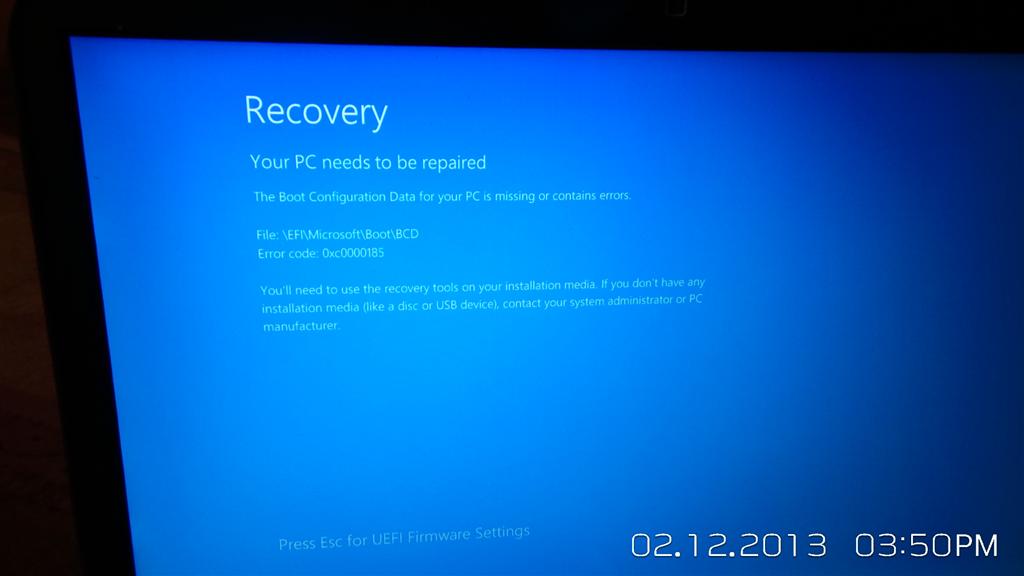
Windows Update Locked You Out? Remove It in Recovery Mode
Use Windows Recovery Environment to safely undo the latest troublesome update when Windows 10 or 11 will not start normally.
Latest Mac help
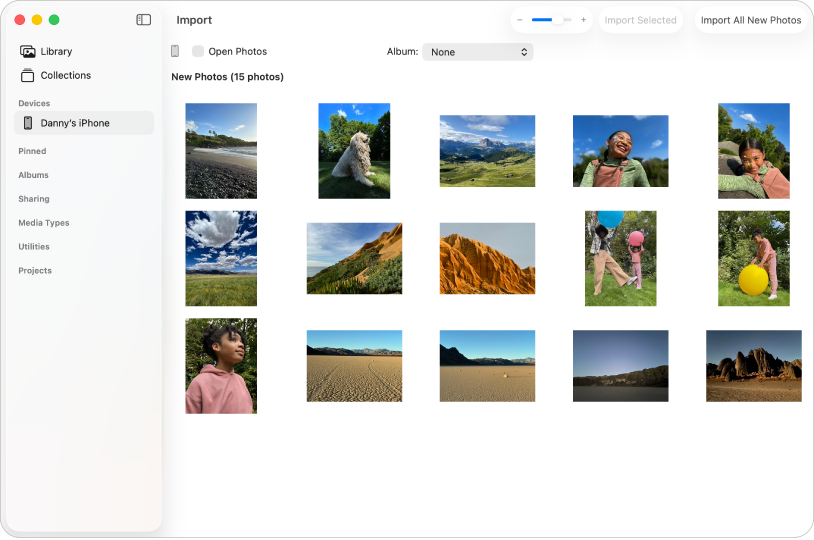
How to Turn Off Enhanced Visual Search on a Mac
Disable encrypted landmark-search requests in Photos without deleting, moving, or changing the pictures stored in your library.
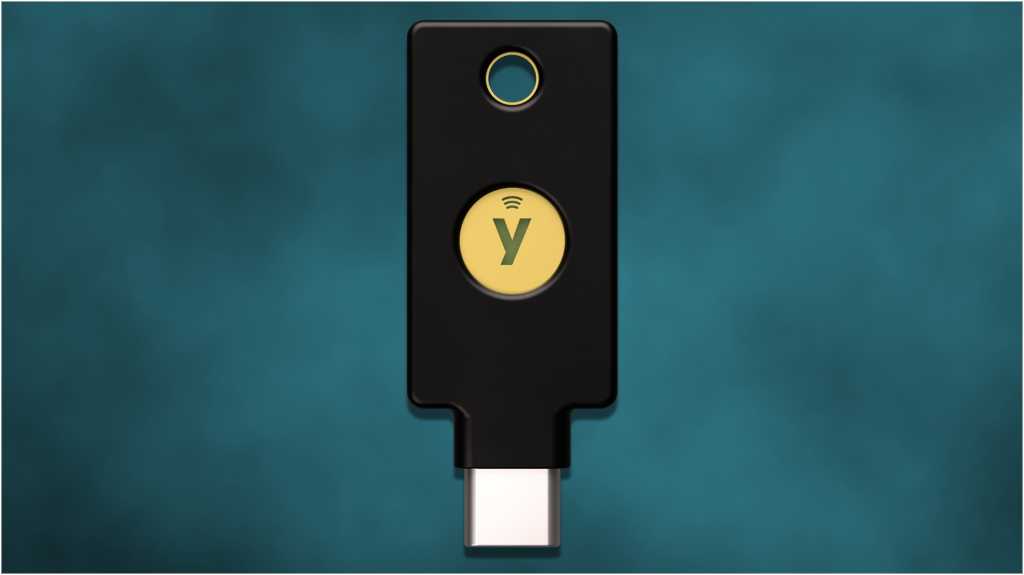
How to Set Up a Hardware Security Key on Your Mac
Add a physical security key to your Apple Account so a stolen password alone is not enough for a scammer to sign in.
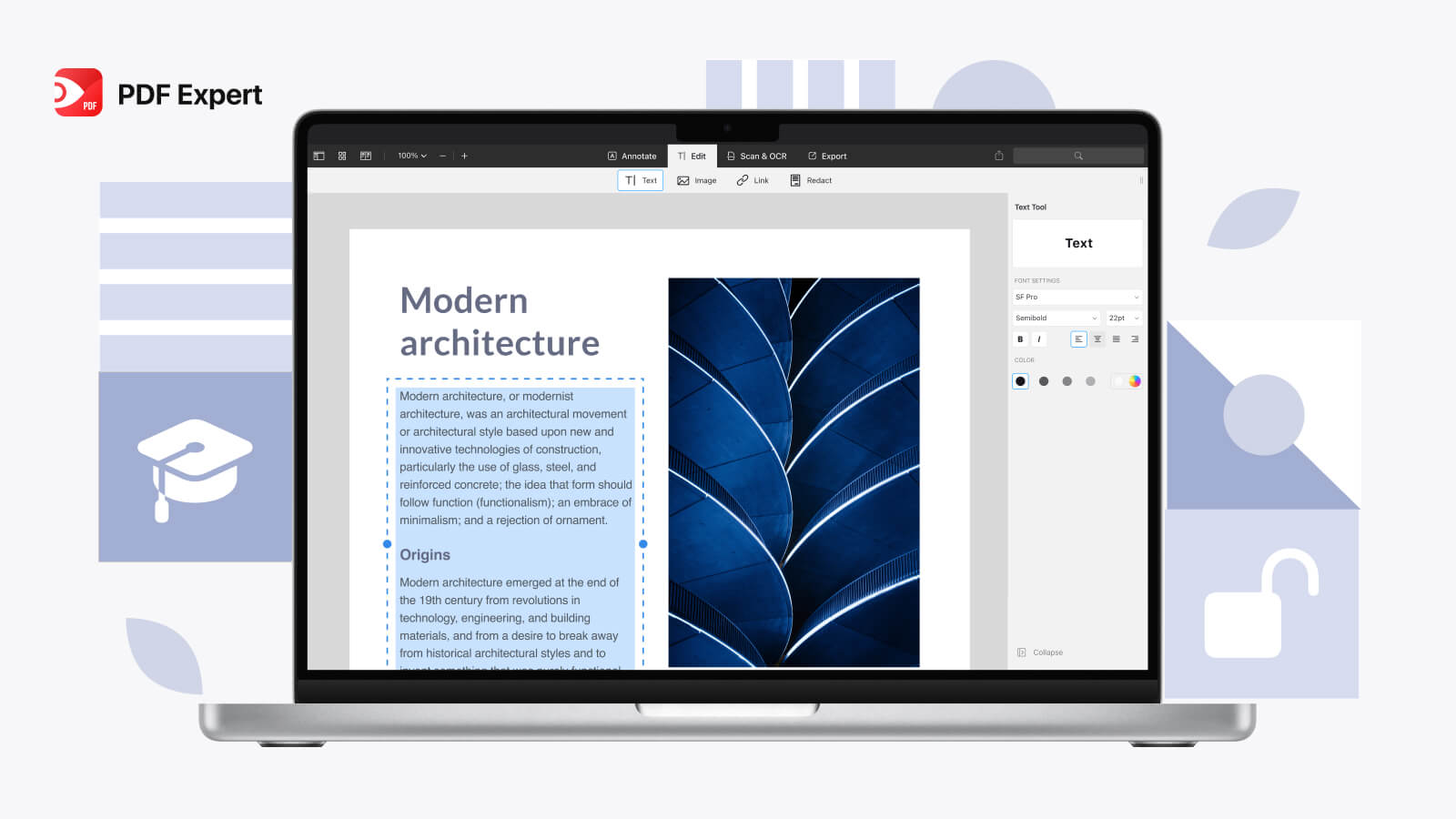
Update Adobe Acrobat Reader on Mac and Verify the Fix
Update Reader, confirm the security patch is installed, and remove the app safely if Apple Preview is all you need.
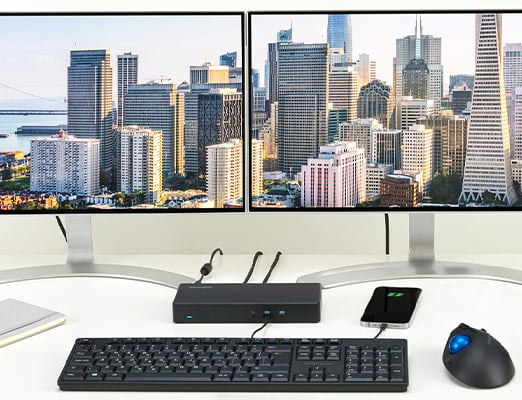
Connect Two Monitors to an M1, M2, or M3 MacBook
A compatible DisplayLink dock and one small app can give your MacBook a practical two-monitor workspace, even when macOS normally allows only one external screen.

How to See and Clear Your Mac’s Hidden Download History
Use one built-in Terminal command to find your Mac’s quiet record of internet downloads, then remove that record safely when privacy matters.

Use Your Mac Without a Mouse: Full Keyboard Access
Turn on Full Keyboard Access to move through Mac buttons, menus, dialog boxes, and apps using only your keyboard.
Can't find the guide you need?
Tell me what's happening and I'll point you at the right article — or write the one that should have existed. If you'd rather someone just did the work, hands-on repair, setup and consulting is my New Orleans business, Geaux Tech NOLA, which has its own contact line. PcFixin' is the guides; Geaux Tech NOLA is the hands.
Email PcFixin'