
Mac OS Help
Tips and how-to's for everyday Mac users. These guides keep things simple — showing how easy it is to get real things done on a Mac, whether it's for home or work. Check back often; new articles are added regularly.
Looking for tips on older versions of macOS? See the Archive.
Latest articles
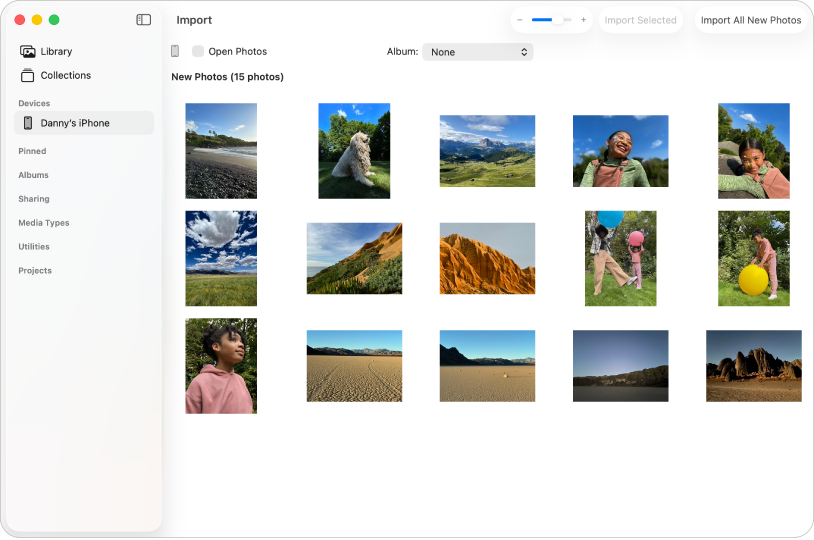
How to Turn Off Enhanced Visual Search on a Mac
Disable encrypted landmark-search requests in Photos without deleting, moving, or changing the pictures stored in your library.
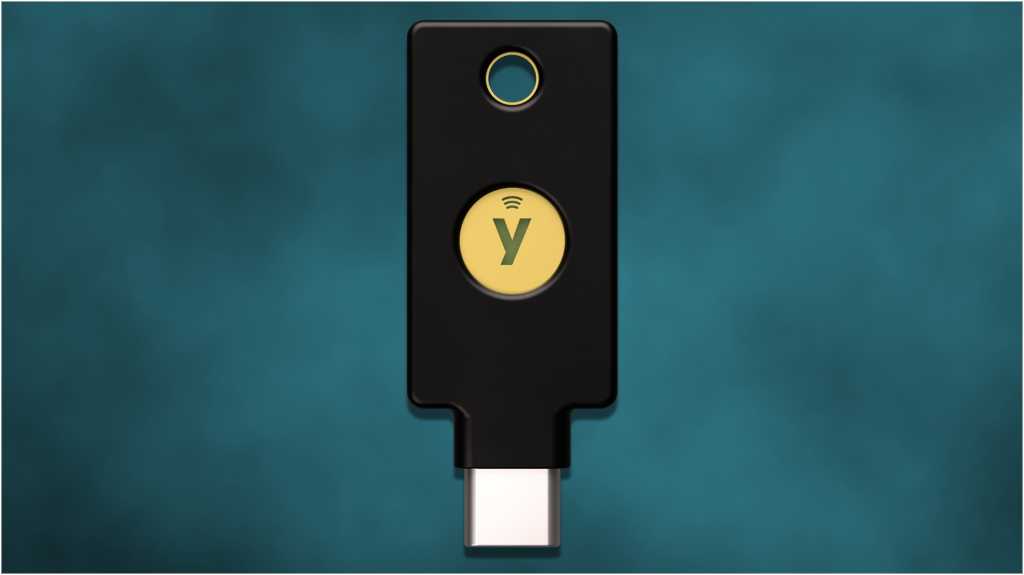
How to Set Up a Hardware Security Key on Your Mac
Add a physical security key to your Apple Account so a stolen password alone is not enough for a scammer to sign in.
Update Adobe Acrobat Reader on Mac and Verify the Fix
Update Reader, confirm the security patch is installed, and remove the app safely if Apple Preview is all you need.

Connect Two Monitors to an M1, M2, or M3 MacBook
A compatible DisplayLink dock and one small app can give your MacBook a practical two-monitor workspace, even when macOS normally allows only one external screen.

How to See and Clear Your Mac’s Hidden Download History
Use one built-in Terminal command to find your Mac’s quiet record of internet downloads, then remove that record safely when privacy matters.
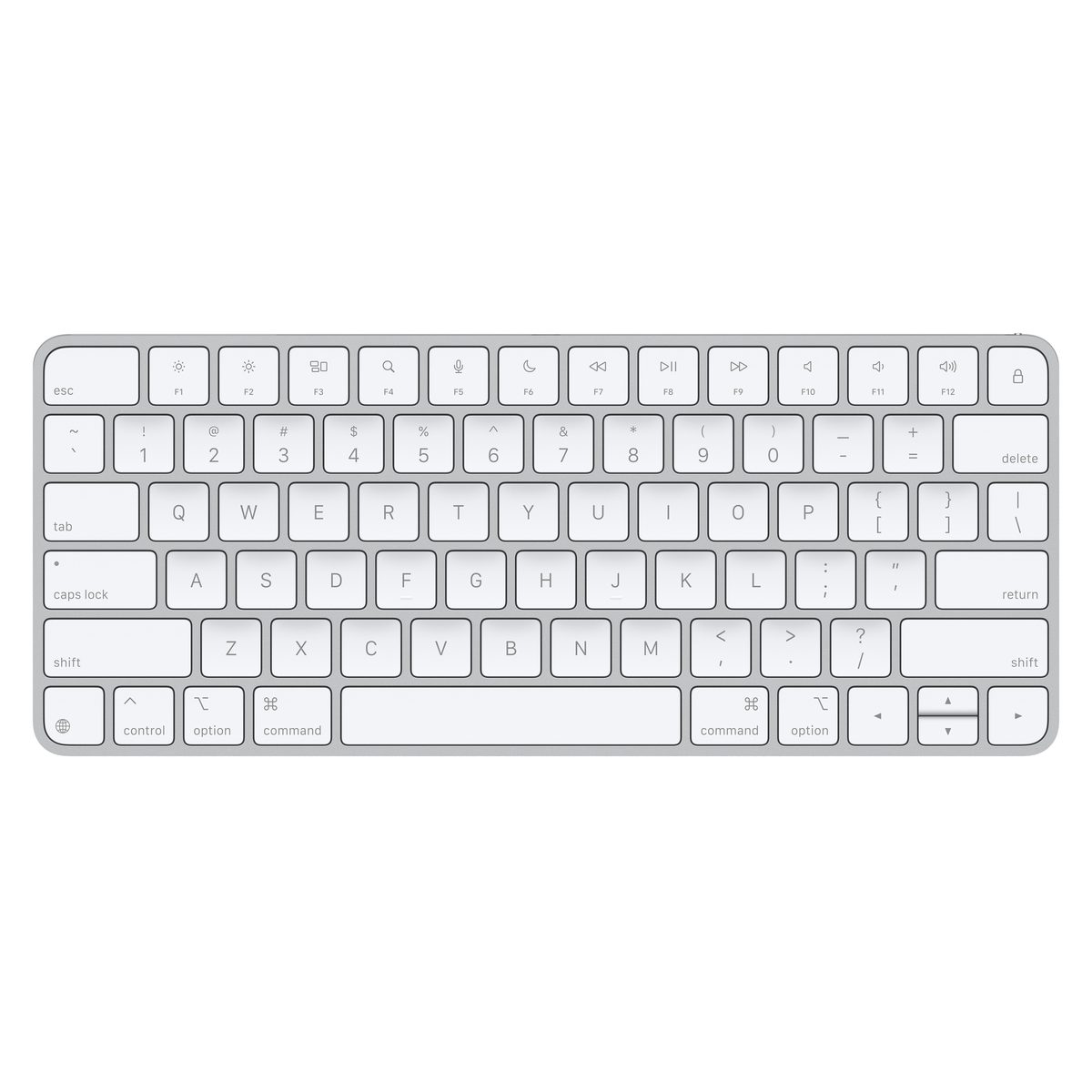
Use Your Mac Without a Mouse: Full Keyboard Access
Turn on Full Keyboard Access to move through Mac buttons, menus, dialog boxes, and apps using only your keyboard.
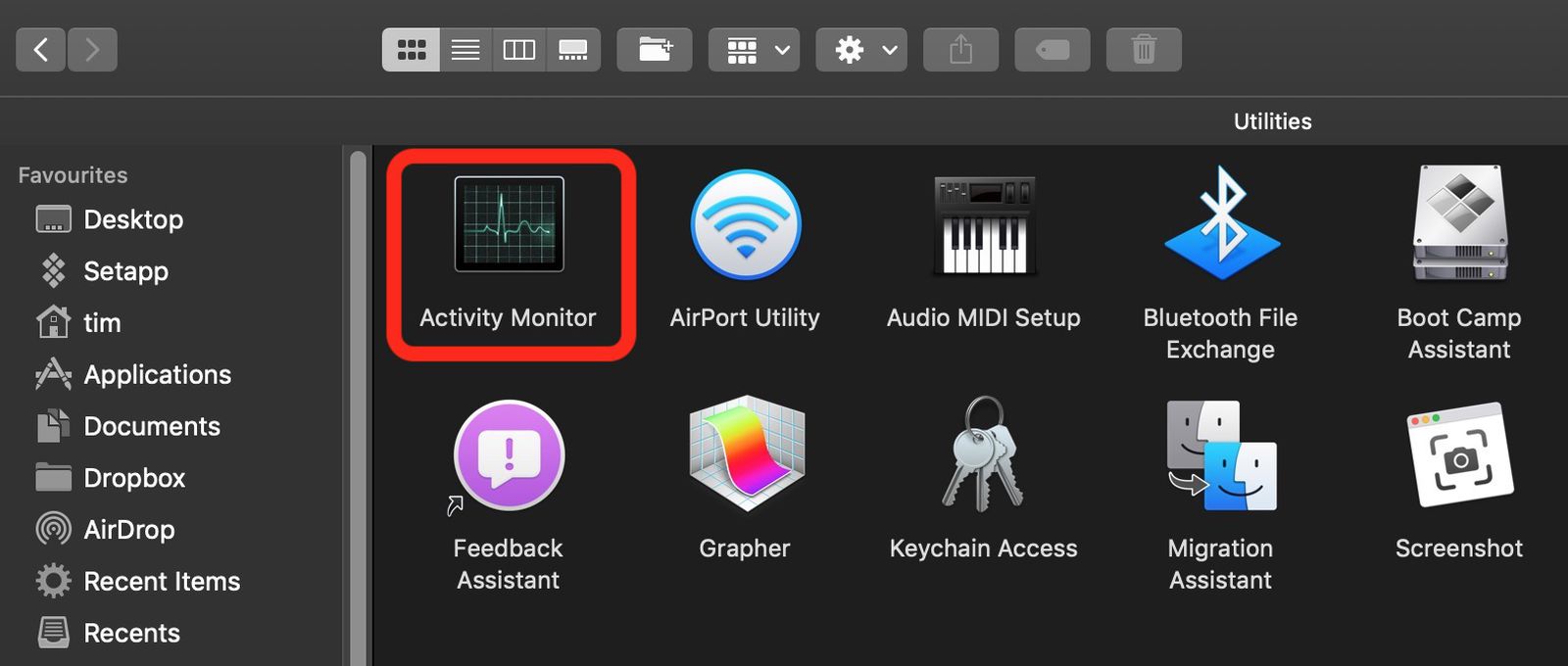
MacBook Hot or Slow? Find the App Causing It
Use Activity Monitor and a few safe built-in checks to find runaway apps, lower the heat, and get your MacBook moving normally again.
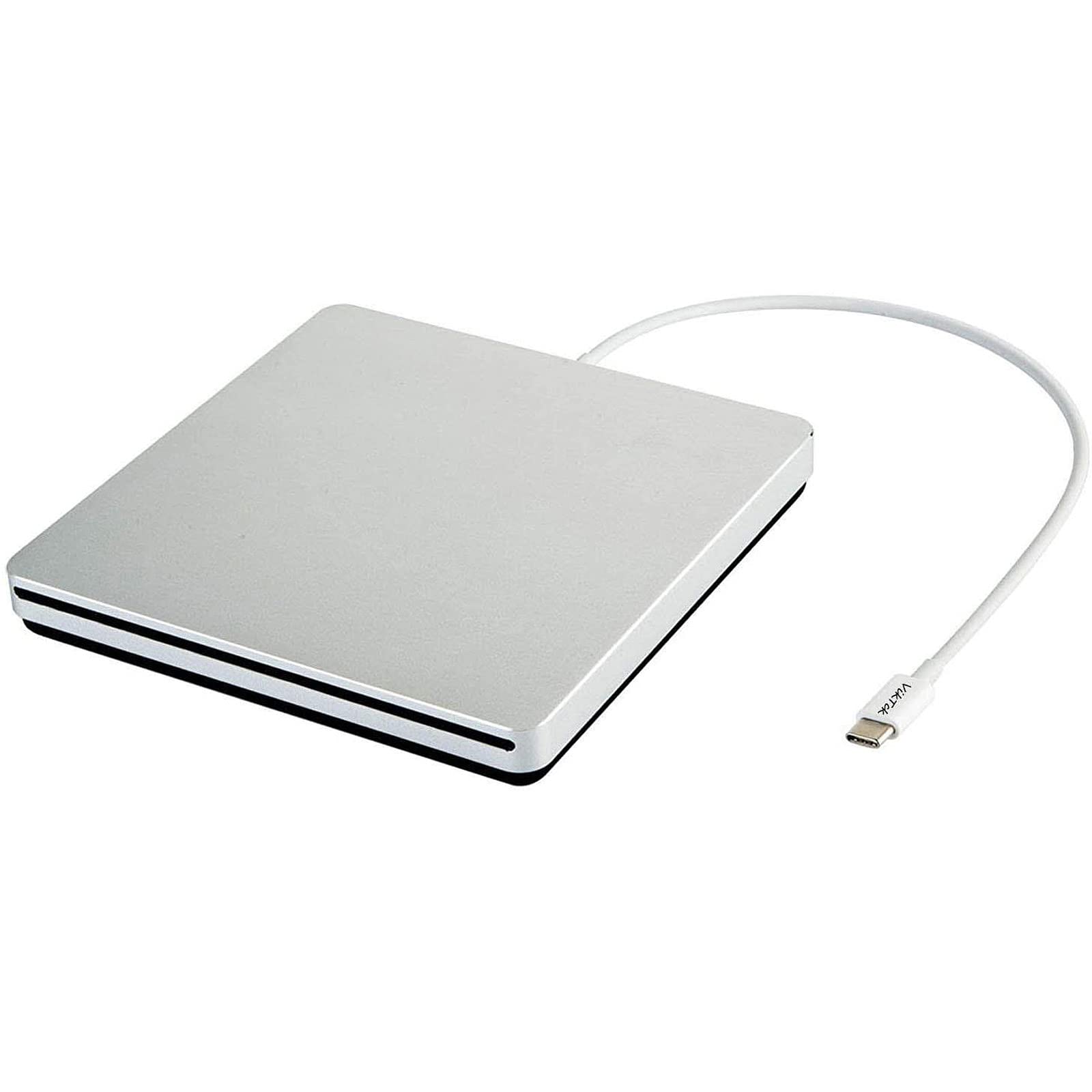
CD or DVD Stuck in a Mac USB SuperDrive? Try This
Use these safe Mac eject methods in order to recover a stubborn disc without pulling, prying, or poking the SuperDrive.

How to Edit PDFs and Images with Preview on Mac
Use the Preview app already on your Mac to fill and sign forms, rearrange PDF pages, crop images, and add quick annotations.

How to Resize, Tile, and Switch Mac Windows
Learn simple ways to arrange, resize, and move between Mac windows using built-in controls and keyboard shortcuts.

What to Do When Your Mac Won’t Open an App
Use these safe, beginner-friendly fixes for Mac apps that are frozen, blocked, damaged, outdated, or from an unidentified developer.

Mac System Restore: Roll Back With Time Machine
Set up Time Machine and recover your files, apps, and settings after malware, accidental changes, or other Mac trouble.

How to Change the Default Browser on a Mac
Choose Chrome, Firefox, or another browser so links open there automatically instead of Safari.

How to Turn Off Ads and Suggestions on a Mac
Reduce personalized ads, promotional notifications, website alerts, and search suggestions by adjusting a few macOS settings.
How to Automatically Back Up Files on a Mac
Protect your documents and photos with Time Machine, iCloud Drive, and an external storage drive.

Mac Keyboard Shortcuts That Make You Look Like a Pro
These practical Mac shortcuts help you switch apps, arrange windows, find files, capture screenshots, and recover from little mistakes without breaking your flow.

AirPort Express Keeps Disconnecting? Fix It on Mac
If your AirPort Express only works after a daily restart, downgrading its firmware may restore a reliable connection.