Windows Help
Tips and how-to's for everyday Windows users. These guides keep things simple — showing how easy it is to get real things done on a Windows PC, whether it's for home or work. Check back often; new articles are added regularly.
Looking for tips on older Windows versions? See the Archive.
Latest articles
Printer Works From Your Phone but Not Your Windows PC
If your phone can print but Windows cannot, these careful checks can reconnect the PC without disturbing what already works.
How to Turn Off Windows Recall and Delete Its Snapshots
Check whether Windows Recall is saving your activity, stop it from taking new snapshots, and erase the ones already stored on your PC.
Stop Windows 11 AI Agents Accessing Personal Folders
Turn off broad file access, review each AI agent, and tighten app permissions for your documents, photos, downloads, and other personal files.
Why C:\inetpub Appeared and How to Check Windows Update
That empty inetpub folder is part of a Windows security fix, so leave it in place and use these steps to confirm that updates still install.
Set Up Windows 11 Without a Microsoft Account
Create a private local Windows sign-in during setup, or safely switch to one after Windows 11 is already running.
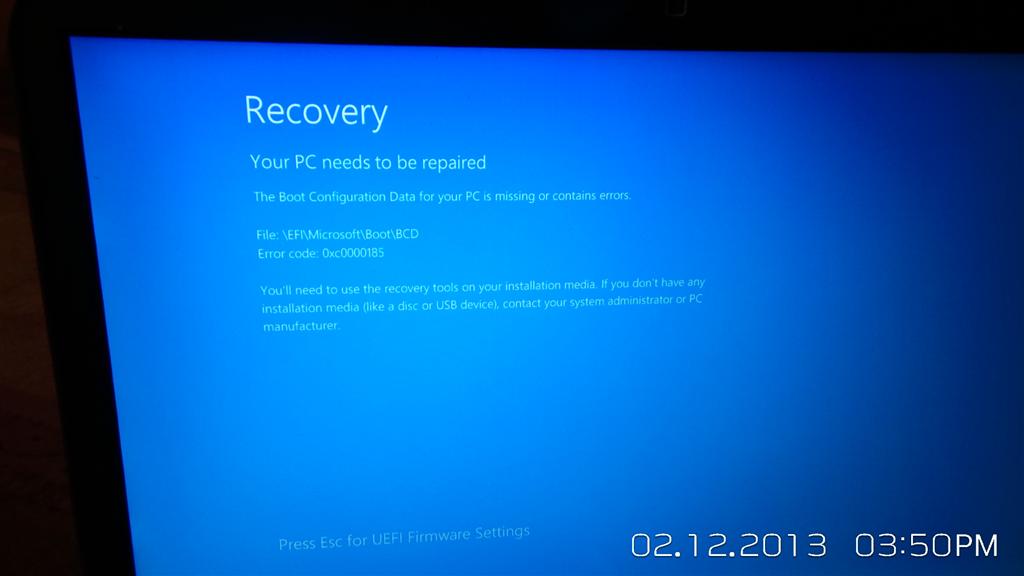
Windows Update Locked You Out? Remove It in Recovery Mode
Use Windows Recovery Environment to safely undo the latest troublesome update when Windows 10 or 11 will not start normally.
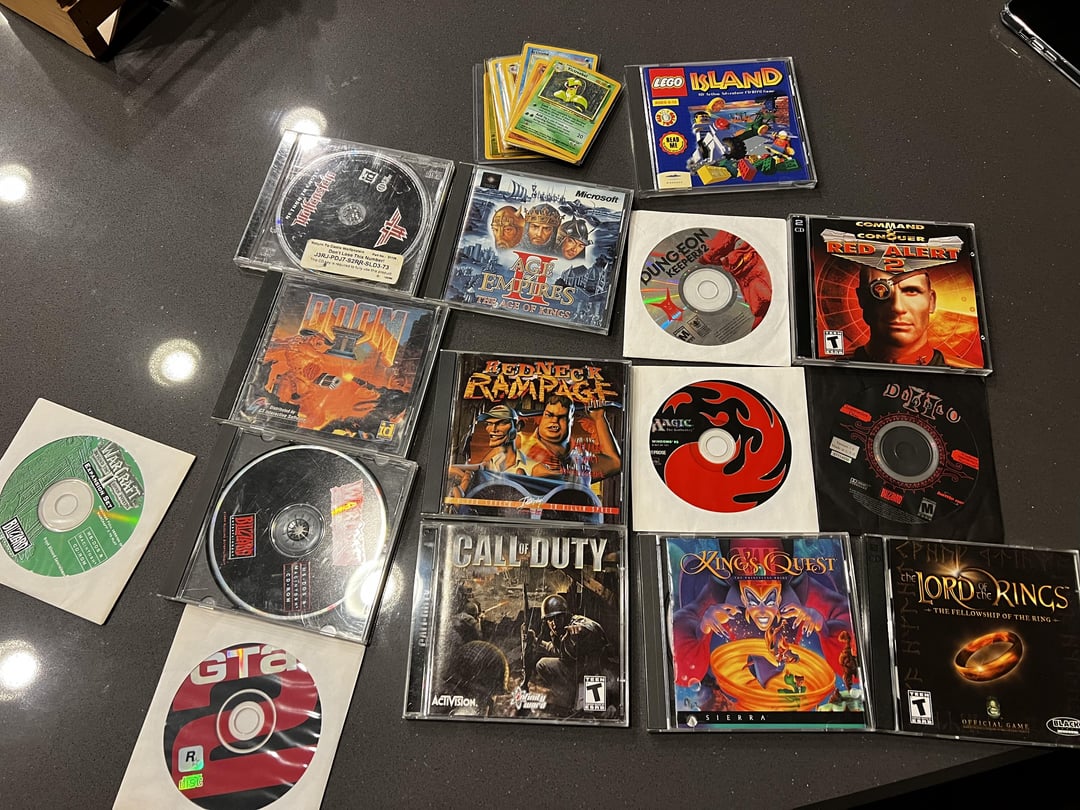
Old Game Not Working on Windows 11 24H2? Try These Fixes
Work through these safe fixes to revive a classic Windows or DOS game without making risky changes to your PC.
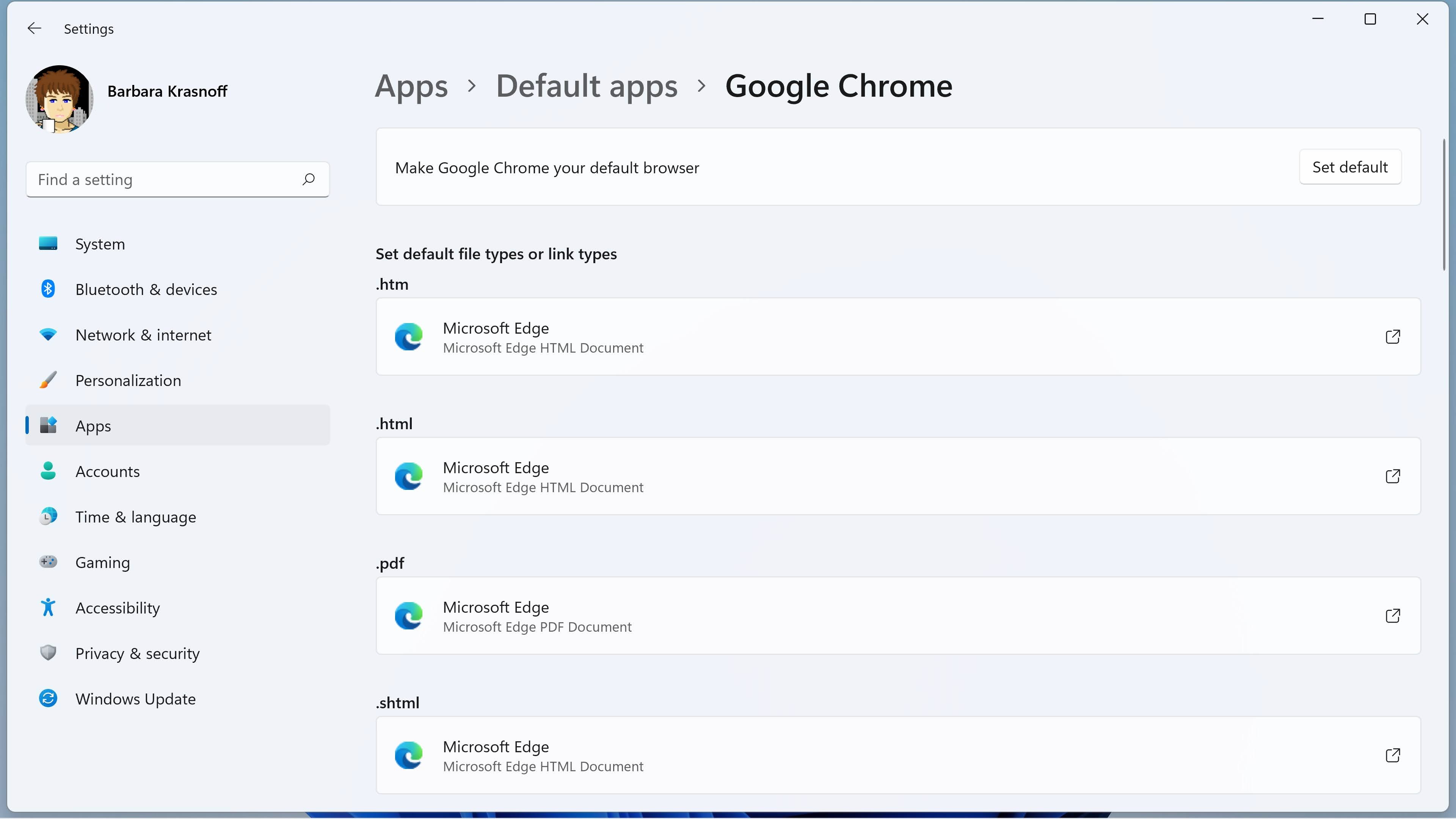
Make Windows Search and Widgets Use Your Default Browser
Set your preferred browser, then redirect Windows Search and Widgets links that would otherwise open in Microsoft Edge.
How to Update Chrome and Windows and Verify Security Fixes
Update your browser and PC, complete any required restart, and confirm that the newest available security fixes are actually installed.
PC Can’t Run Windows 11? Find the Blocker Safely
Use Windows Update and PC Health Check to identify the failed requirement, then choose a setting change, hardware upgrade, or safer replacement plan.

How to Change the Default Browser in Windows 11
Choose Chrome, Firefox, or another browser so web links and common web files open there automatically instead of Microsoft Edge.

How to Turn Off Ads and Tips in Windows 11
Quiet Windows 11 recommendations by changing a few settings for Start, notifications, the lock screen, Settings, and File Explorer.

How to Automatically Back Up Files in Windows 11
Protect your documents and photos with OneDrive cloud backup, File History, or an external drive.

How to Edit PDFs and Images in Windows 11
Use Microsoft Edge and Paint to fill, sign, crop, and annotate files, plus a free utility when you need to rearrange PDF pages.

How to Resize, Snap, and Switch Windows in Windows 11
Learn easy ways to resize, arrange, and move between open windows using Windows 11 controls, Snap layouts, and keyboard shortcuts.
What to Do When Windows Won’t Open an App
Try these safe, beginner-friendly fixes when a Windows app freezes, closes immediately, appears damaged, or is blocked by security.

Windows Keyboard Shortcuts That Make You Look Like a Pro
These easy Windows 10 and 11 keyboard shortcuts help you switch apps, organize windows, find files, capture screenshots, and fix small mistakes in seconds.

How to Enroll Windows 10 in Extended Security Updates
Check your PC’s eligibility, enroll through Windows Update, and keep receiving critical Windows 10 security fixes through October 2026.
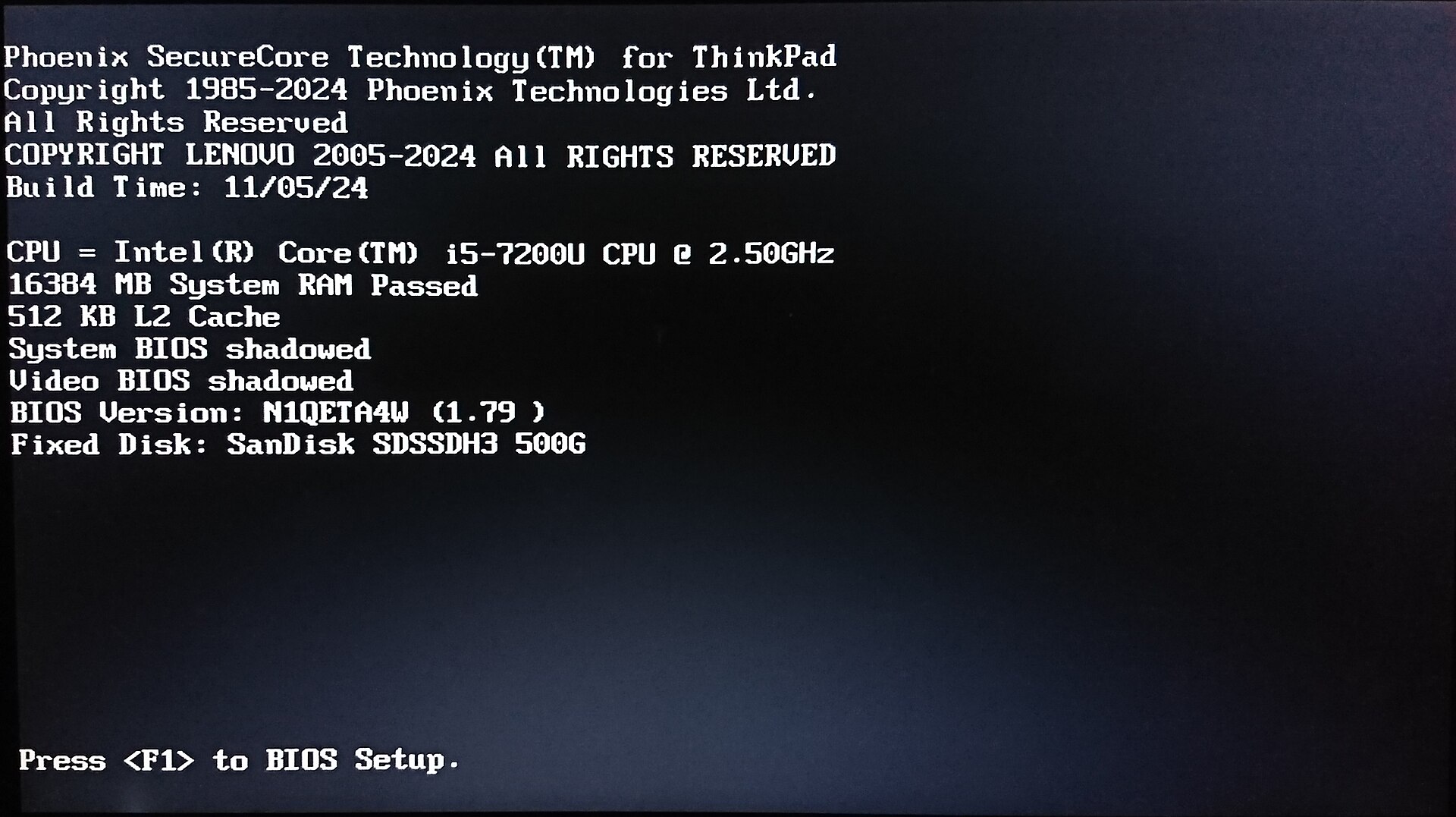
How to Access BIOS or UEFI on a Windows PC
Learn two safe ways to open your computer’s BIOS or UEFI settings, check your hardware, and choose a startup device.
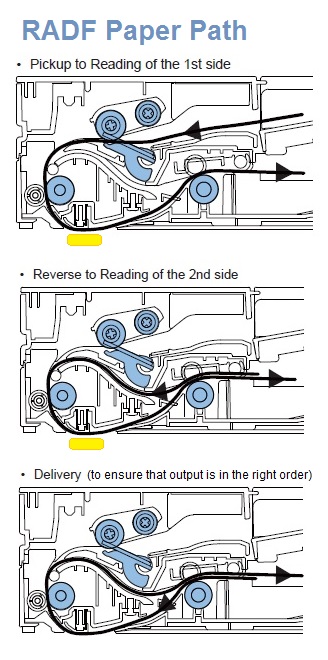
How to Scan Pages From a Document Feeder in Windows
Use Windows Fax and Scan to send a stack of pages through your printer’s automatic document feeder and save them on your computer.
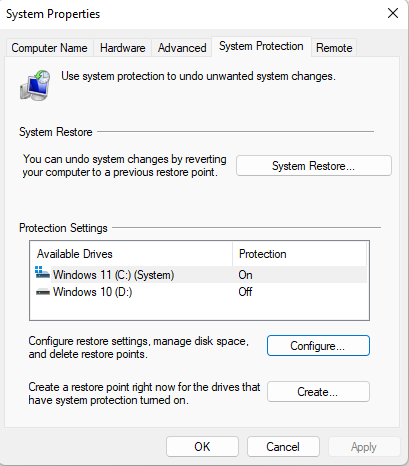
Windows 11 System Restore
Enable System Restore and roll your PC back to a known-good point after a virus, malware, or a bad change.